Journal Template vs Excel
Options journal template vs Excel: keep the workflow, not just the rows.
An Excel template can be a useful starting point for simple trades. The challenge appears when one position spans multiple legs, adjustments, partial closes, and a final review. The right workflow keeps those records connected before analytics are calculated.
Start with the fields every template needs
Whether you use a spreadsheet or a dedicated journal, the starting record should include ticker, strategy, each leg, direction, quantity, strike, expiry, opening price, and opening date. Add the trade thesis, risk or management plan, and exit note while the details are still fresh.
A template is most useful when it supports a consistent process. It becomes fragile when it relies on a growing collection of custom formulas to rebuild one position from unrelated fills.
- Position-level fields: strategy, thesis, opening date, and final exit note
- Leg-level fields: option type, direction, strike, expiry, quantity, and price
- Review fields: adjustments, close reason, realized P&L, and process observation
Know where a spreadsheet becomes manual bookkeeping
Excel can store all the raw data, but multi-leg positions often require formulas, pivot tables, and careful row grouping to show a single trade's net result. The work grows when a leg is rolled or partially closed.
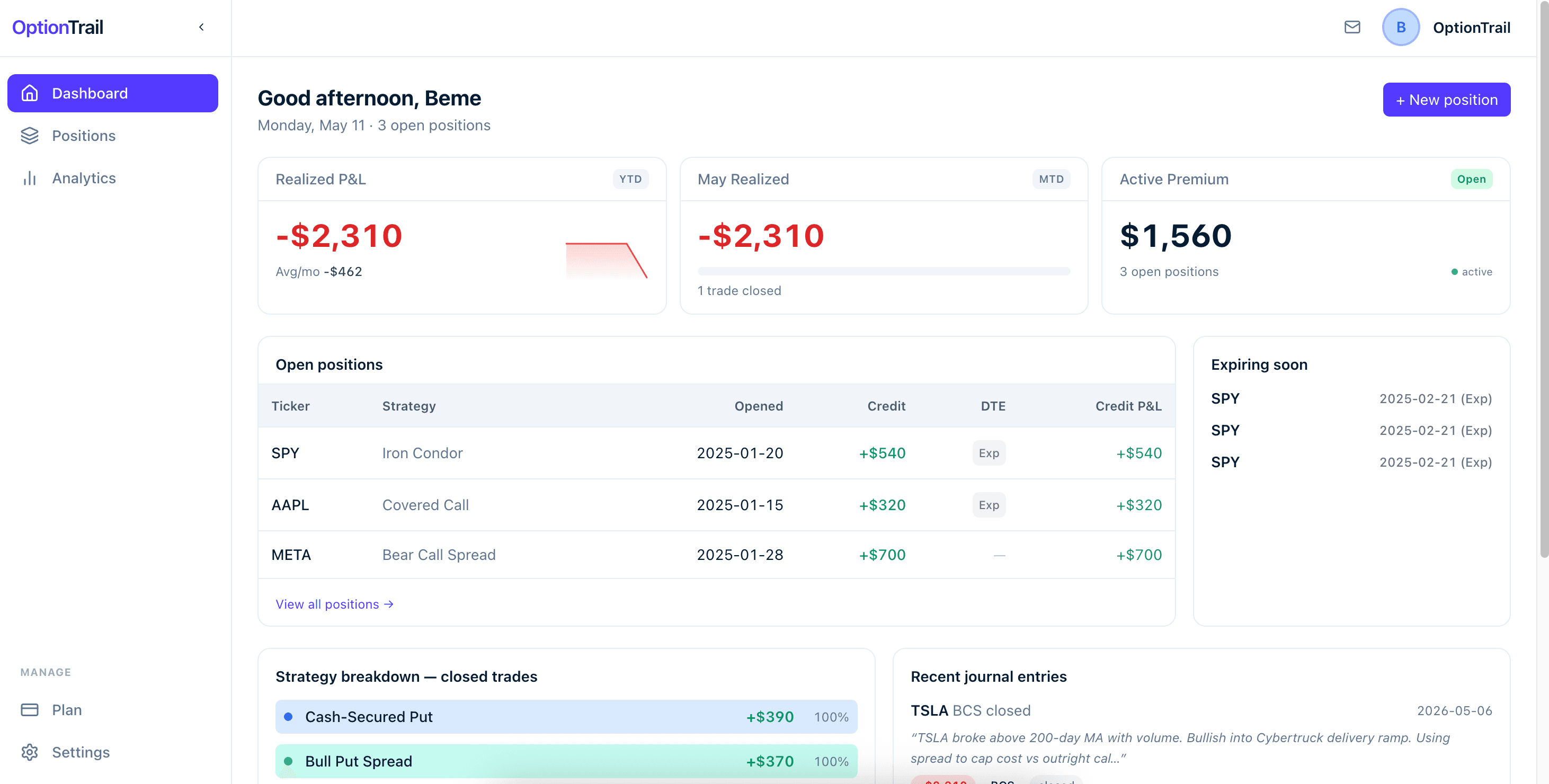
A structured journal can instead treat the position as the primary record and the legs as related details. That reduces reconstruction work during a weekly review and makes strategy-level analytics less dependent on formula maintenance.
Use the template as a review habit
The best comparison is not spreadsheet versus software in the abstract. Ask whether the workflow lets you find a prior trade, understand the decision, see every adjustment, and compare the outcome with similar positions. If it does, it is supporting a useful review habit.
Practical checklist
Options journal template checklist
Use this as a column and workflow checklist before adding more formulas or tabs.
- 1Can one position contain all of its stock, call, and put legs?
- 2Can you attach the original thesis and an exit note to that position?
- 3Can you record a roll or partial close without breaking the history?
- 4Can you see final P&L and exit reason without reconstructing the rows?
- 5Can you compare outcomes by strategy without maintaining manual formulas?
Reference material
Sources for options education
These references explain foundational terminology and risks. They are provided for education, not as recommendations.